How to Make Flashcards From a PDF: The Free 10-Minute Method
Published November 2, 2026 · 8 min read
How to Make Flashcards From a PDF: The Free 10-Minute Method
Knowing how to make flashcards from a PDF is a genuine study superpower. Lecture slides, textbook chapters, revision guides, and past-paper mark schemes all arrive as PDFs — and PDFs are terrible to revise from directly. They invite passive scrolling, not active learning.
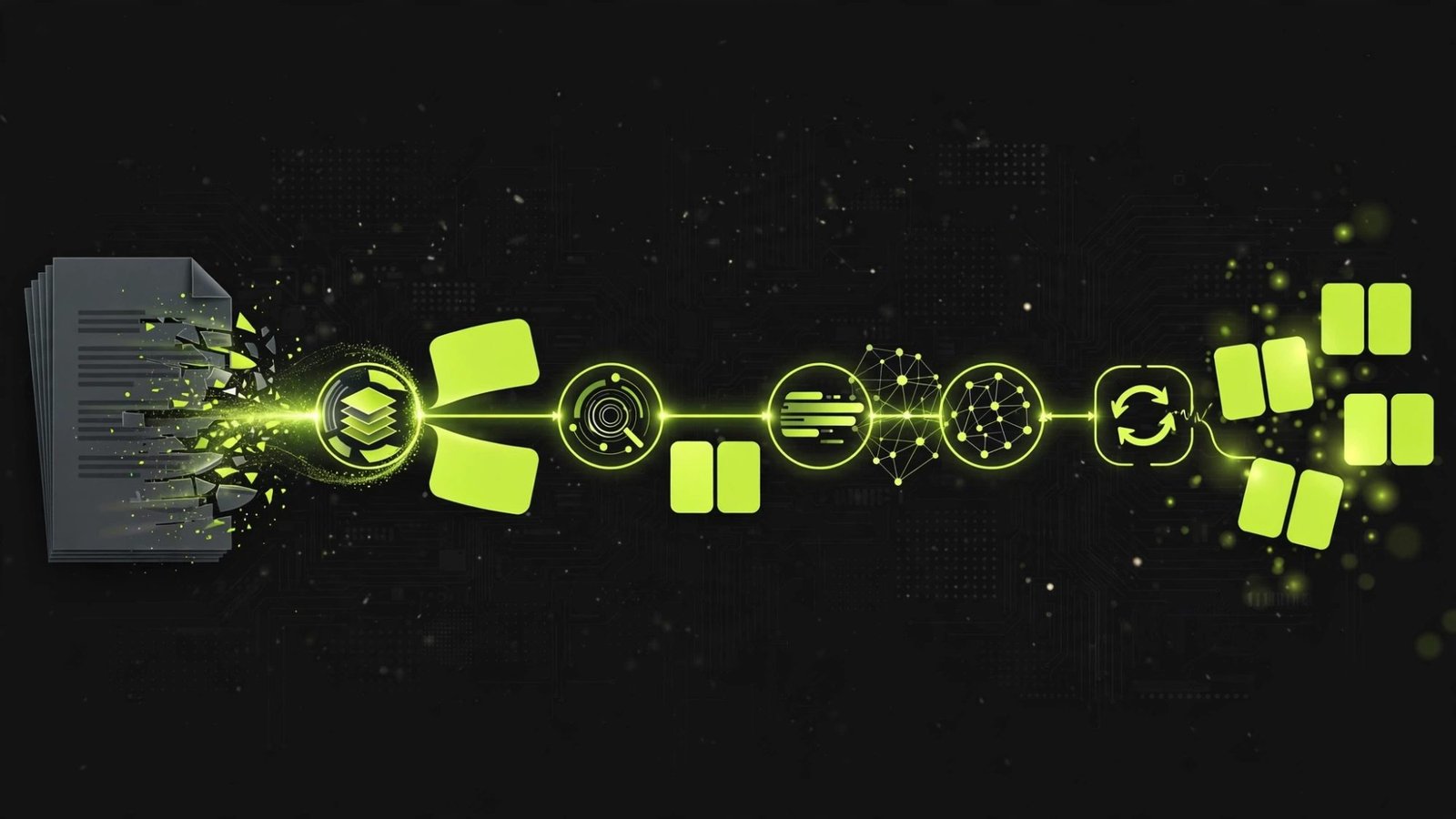
The fix is to convert the PDF's key content into flashcards you can actually test yourself with. This guide shows you two free methods: a manual method that builds understanding as you go, and a faster AI method for when you are short on time.
Why PDFs Make Bad Revision Material
Reading a PDF feels like studying, but the research is clear: re-reading is one of the least effective revision techniques. Your eyes move, the words look familiar, and your brain does almost no work. That familiarity is an illusion — it vanishes the moment you face a blank exam page.
Flashcards solve this by forcing retrieval. Every card asks you to produce the answer from memory before you see it. That effort is what builds lasting knowledge. So the goal is not to reformat the PDF prettily; it is to extract testable facts from it.
Before You Start: Pick Your Battles
Not everything in a PDF deserves a card. Before converting, skim the document and mark:
- Definitions and key terms — always card-worthy.
- Processes and sequences — break into ordered steps.
- Lists the examiner loves — causes, effects, features, examples.
- Formulas and equations — one per card.
- Anything highlighted by your teacher — if they emphasised it, it is probably on the exam.
Skip worked examples (practise those separately), long case studies (condense to 3 facts), and anything you already know cold.
Method 1: The Manual Method (Free, Best for Understanding)
The manual method takes longer, but the act of deciding what goes on each card is itself powerful revision. Here is the workflow:
Step 1: Extract, don't copy
Read one section of the PDF. Close it. Write down the 3 to 5 facts you think matter most, in your own words. This forces you to process the material instead of transcribing it.
Step 2: Turn each fact into a question
Every card needs a question on the front and a short answer on the back. Transform statements into prompts:
- "Mitochondria release energy" becomes "What is the function of mitochondria?"
- A list of causes becomes "Name the three causes of..."
- A process becomes "What happens at each stage of...?"
Step 3: Keep answers under 15 words
If the answer is longer, split it into multiple cards. One fact per card is the golden rule. A card that takes 30 seconds to read is a card you will skip.
Step 4: Add memory hooks
A quick mnemonic, a silly image, or a personal connection. "My Very Excellent Mother Just Served Us Nachos" for the planets is the classic example. Hooks feel childish; they also work.
Step 5: Enter them into a spaced-repetition app
Anki is free and schedules your reviews automatically. Enter the cards as you make them, and the app handles the timing from there.
A 20-page PDF chapter typically yields 15 to 30 good cards and takes 30 to 45 minutes by hand. That time is not wasted — it is your first round of revision.
Method 2: The AI Method (Free, 10 Minutes)
When you are short on time or facing a 200-page document, let AI do the extraction:
- Upload or paste the PDF content into a quiz generator tool.
- Ask for question-and-answer pairs, specifying the format: "Turn this chapter into 25 flashcards, one fact per card, question on the front, short answer on the back."
- Review every card. AI is good at extraction but can miss emphasis, invent plausible-sounding details, or phrase questions awkwardly. Delete or fix anything off.
- Import into your flashcard app and start reviewing.
The critical step is number 3. AI-generated cards are a starting point, not a finished deck. Spending 10 minutes cleaning them up both improves the deck and gives you a first pass over the material.
This method shines for dense, factual PDFs: textbook chapters, revision guides, and specification documents. It is less useful for PDFs that are mostly diagrams or maths working, where you need to practise rather than memorise.

What Makes a Good Flashcard (The Checklist)
Run every card, however you made it, through this checklist:
- One fact only. Can the answer be given in under 10 seconds?
- Question format. Does the front ask something, not just name a topic?
- Short answer. Under 15 words?
- Your own words. Did you rewrite it, or just copy?
- Testable. Could this exact question appear on an exam?
Cards that fail the checklist get fixed or deleted. A deck of 20 excellent cards beats a deck of 200 mediocre ones every time.
Subject-Specific Tips
Science PDFs: Target definitions, required-practical variables, and equations. Make "reverse" cards too: given the equation, name the process.
History PDFs: Convert to cause-and-effect cards and timeline cards. "What were the consequences of X?" trains the analytical thinking essays need.
Language PDFs: Vocabulary cards tested in both directions, plus verb conjugation cards and set-phrase cards for the writing paper.
Maths PDFs: Only formula and method cards. Everything else should be practised, not memorised.
English PDFs: Quote cards with analysis attached. "Find a quote showing..." on the front, quote plus one analytical point on the back.
Organising Your Decks
A few habits keep large decks manageable:
- One deck per topic, not per subject. "Cell biology" beats "Biology" — smaller decks are less intimidating and easier to finish.
- Tag cards by confidence. Most apps let you mark cards easy or hard. Spend review time on the hard ones.
- Archive mastered cards. Getting a card right five sessions in a row means it is learned. Move it out so it stops eating your time.
- Mix subjects in review. Interleaving topics (20 minutes of biology, then 20 of chemistry) produces better long-term retention than blocking one subject for hours.
Mistakes That Waste Hours
- Cardifying everything. If you make 300 cards from one chapter, you have not prioritised — you have transcribed.
- Skipping the review step on AI cards. Unchecked AI output contains errors and awkward phrasing that will confuse you later.
- Making cards the night before. Flashcards need spaced repetition to work. A deck made at midnight before the exam is just expensive notes.
- Pretty decks, no reviews. Formatting, colours, and images are procrastination in disguise. Plain cards you actually review win.
- Never deleting. Decks grow stale. Prune ruthlessly every few weeks.
Frequently Asked Questions
Can I convert a PDF to flashcards for free?
Yes. The manual method costs nothing: copy key facts from the PDF into any free flashcard app, following the one-fact-per-card rule. AI quiz generators can also turn a PDF into a question set in minutes, with generous free tiers on most tools.
What is the best flashcard app for PDF conversion?
Anki is the most powerful free option with spaced-repetition scheduling built in. Quizlet is simpler and good for quick decks. The best app is the one you will open daily, so pick based on whether you want power or simplicity.
How many flashcards should I make per PDF chapter?
Aim for 15 to 30 cards per chapter for a typical textbook chapter. If you are making more than 40, you are probably copying too much detail. Focus on definitions, processes, key facts, and anything your teacher emphasises.
Do flashcards work for maths PDFs?
They work for the recall parts of maths: formulas, definitions, and method steps. They do not replace doing problems. Make a small deck of formulas and common-error cards, then spend most of your time working through exercises.
Is it legal to upload my textbook PDF to a flashcard tool?
For personal study use, uploading a textbook you own to generate your own study materials is generally fine. Do not share or publish the resulting decks if they reproduce large amounts of copyrighted text, and check your tool's terms of service.
