Informal to Formal Text Converter: How to Polish Your Writing (2026)
Published October 27, 2026 · 7 min read
Informal to Formal Text Converter: How to Rewrite Text for Work and University
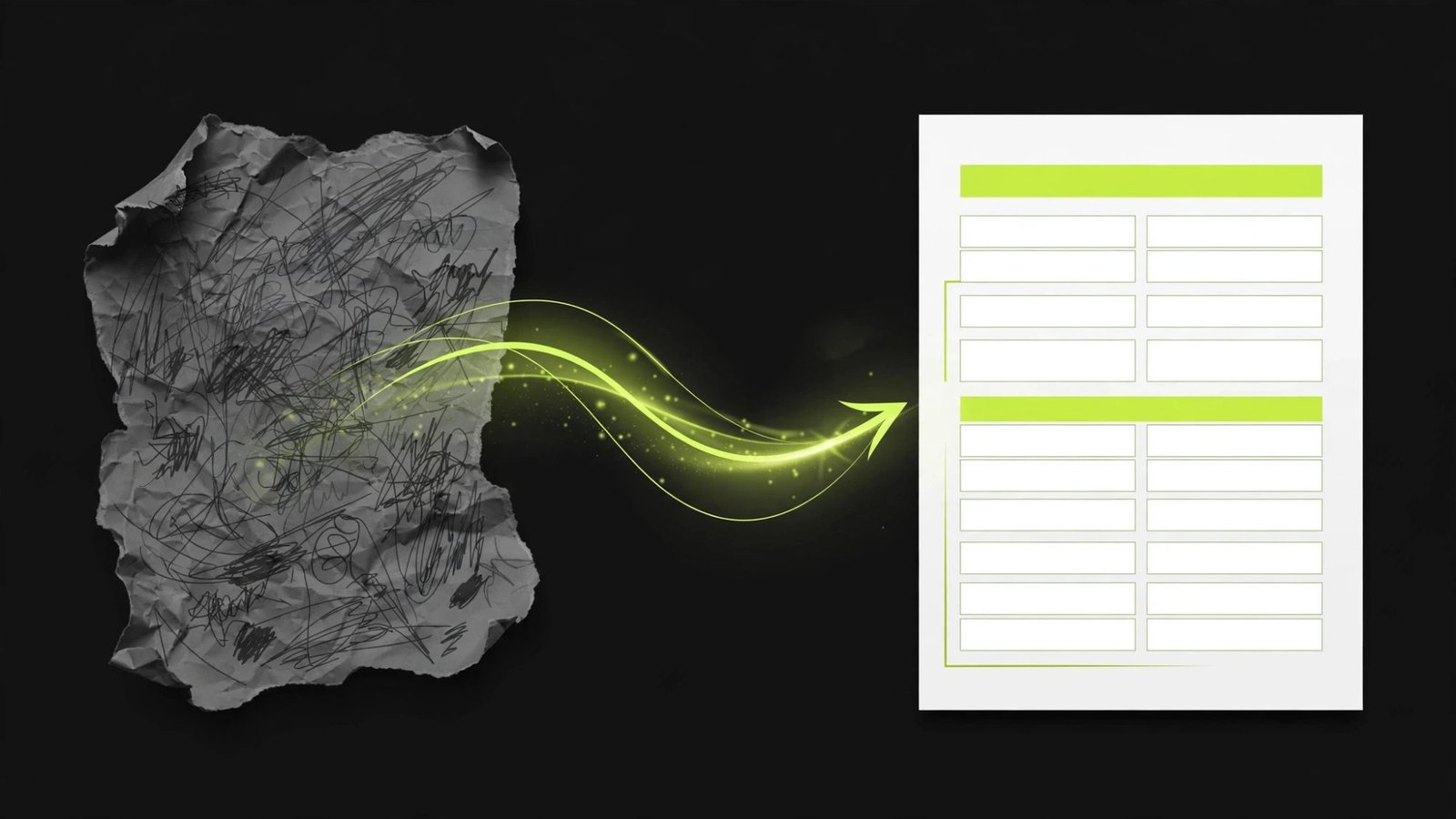
An informal to formal text converter takes the casual way you write messages — contractions, slang, sentence fragments, emojis — and rewrites it into the polished language expected in work emails, academic essays, cover letters, and official documents. Whether you are a student polishing an essay, a non-native speaker writing a business proposal, or anyone who drafts emails that come out too chatty, this guide explains how these converters work, when to trust them, and how to rewrite text yourself when it matters most.
What "Formal" Actually Means in Writing
Formality is not about using the longest words you can find. It is a set of habits: complete sentences, precise vocabulary, contractions expanded, slang removed, and a respectful distance between writer and reader. Compare "gonna ask if u can extend the deadline, thx" with "I am writing to request an extension on the deadline; thank you for your consideration." The second version says the same thing, but it signals respect and competence.
Different situations need different levels of formality. A message to your manager about a sick day can be polite and direct without sounding like a legal contract. A dissertation chapter needs full academic register. A good informal to formal text converter moves your writing up the scale — but you decide how far it should go.
How an Informal to Formal Text Converter Works
Modern converters are AI models trained to adjust register — the level of formality in a piece of writing. When you paste in casual text, the tool:
- Identifies informal markers — contractions, slang, fillers ("like," "basically"), sentence fragments, and emojis.
- Rewrites at the vocabulary level — swapping "get" for "receive" or "obtain," "a lot" for "a considerable amount," "wanna" for "want to."
- Fixes sentence structure — merging fragments, splitting run-ons, and adding transitions so the text flows logically.
- Adjusts the tone — hedging where appropriate ("could you please consider" instead of "do this now") and removing anything that reads as demanding or flippant.
The best results come from clean input. If your draft is a jumble of half-finished thoughts, no converter can guess what you meant — tidy up the ideas first, then convert the tone. If you want to experiment with how AI rewriting tools handle this kind of transformation, you can try a paraphrasing tool built for rewriting sentences in new words alongside the tone-specific techniques in this guide.
Before-and-After: Real Examples
Seeing the transformation makes the concept concrete. Here are three common situations:
Work email — before: "hey just checking if the report is ready yet? need it asap lol"
Work email — after: "Hello, I am following up to check whether the report is ready. I would appreciate receiving it at your earliest convenience."
University — before: "i think the author's point is basically that social media makes people lonelier or whatever"
University — after: "The author's central argument appears to be that social media use correlates with increased feelings of loneliness."
Cover letter — before: "im super excited about this job and i think id be great at it"
Cover letter — after: "I am enthusiastic about this opportunity and confident that my experience aligns well with the role."
Notice what changed: contractions expanded, vague words replaced with precise ones, fragments completed, and tone shifted from demanding to respectful.
7 Techniques the Converter Uses (That You Can Learn Too)
Understanding the mechanics helps you write better first drafts — and spot when the tool gets something wrong.
1. Expand all contractions
Formal writing avoids "don't," "can't," "it's," and "I'm." Write "do not," "cannot," "it is," "I am" instead.
2. Replace slang with precise vocabulary
"Stuff" becomes "materials," "items," or "factors" depending on context. "Cool" becomes "effective," "impressive," or "innovative." The right word depends on what you actually mean — which is why you should always review converted output.
3. Kill fillers and hedges that weaken the sentence
"Like," "basically," "kind of," and "sort of" dilute your point. Remove them and say what you mean directly.
4. Complete your fragments
Casual writing drops subjects and verbs: "Probably not gonna work. Need more time." Formal writing completes every thought: "This approach is unlikely to succeed. I will need additional time."
5. Fix the structure of run-ons
Casual text chains clauses with "and" and "but." Break them into separate sentences and add transitions like "however," "therefore," and "for example."
6. Make requests polite and indirect
"Send me the file" becomes "Could you please send me the file?" or "I would be grateful if you could share the file."
7. Remove emojis, exclamation chains, and ALL CAPS
One exclamation mark at most in professional writing; usually zero is best. Let the words carry the emphasis.
When to Use a Converter — and When Not To

Use one when: polishing job applications, cover letters, and CVs; rewriting academic drafts before submission; drafting formal complaint or request letters; cleaning up client-facing emails; helping non-native speakers match professional norms.
Do not use one when: writing fiction, dialogue, or personal creative work; sending messages to friends and family; drafting marketing copy that needs personality; communicating with a team that values a warm, casual culture. A converter optimizes for distance and respect — apply it everywhere and you will sound like a press release.
Also avoid over-formalizing. "I hereby wish to respectfully inquire whether it might be possible" is worse than "Could you please let me know whether this is possible?" Formality should serve clarity, not bury it.
Common Mistakes Converters Make
Converters are useful, but they have failure modes worth knowing:
- Flattening humor or personality. Irony, understatement, and cultural references often get rewritten into something literal and dull.
- Choosing the wrong synonym. "Get" can mean receive, obtain, understand, or arrive. The tool guesses from context — sometimes wrongly.
- Inflating the vocabulary. Some tools upgrade simple, correct words into rare ones, producing text that sounds unnatural. "Use" does not always need to become "utilize."
- Changing the emphasis. Moving words around can subtly change what the sentence stresses. Re-read and compare with your original.
The fix is always the same: treat the output as a strong first draft, not a finished product. Edit it in your own voice.
How to Rewrite Informal Text to Formal by Yourself
For short messages, doing it manually is faster than pasting into a tool. Follow this workflow:
- Read your draft and highlight everything casual — slang, contractions, fillers, fragments.
- Rewrite each highlighted bit using the seven techniques above.
- Read the result aloud. If it sounds stiff, you over-formalized. If it sounds chatty, you missed something.
- Check the greeting and sign-off. "Hey" → "Hello" or "Dear." "Cheers" → "Best regards" or "Kind regards."
With practice, this takes under a minute for an email — faster than opening a tool.
Frequently Asked Questions
What does an informal to formal text converter do?
It rewrites casual writing — contractions, slang, fragments — into polished, professional language suitable for work emails, academic essays, and official documents.
Is it free to convert informal text to formal?
Many basic converters are free. They handle the core job of adjusting tone and vocabulary well. Paid writing tools add grammar checks, plagiarism detection, and style suggestions on top.
Will a converter change my meaning?
It can, especially with idioms, humor, or context-dependent words. Always read the converted output against your original to confirm the meaning survived intact.
Can I use a converter for academic essays?
Yes, for polishing drafts you wrote yourself. The ideas and arguments must be yours — the tool just adjusts the register. Check your institution's AI policy for the exact boundaries.
How do I make my writing sound more formal without a tool?
Expand contractions, replace slang with precise vocabulary, complete sentence fragments, remove fillers, and make requests polite and indirect. Reading the result aloud catches what is left.
What is the difference between formal and professional writing?
Formal writing follows strict conventions (full academic or legal register). Professional writing is clear, respectful, and polished but can be warmer and more direct. Most workplace communication needs professional, not ultra-formal.
